Basic
Simple product images
$0.29 / image
- ✓ Simple image editing
- ✓ Clean image edges
- ✓ Professional quality
- ✓ Bulk order support
We provide high-quality image masking services for eCommerce brands, photographers, studios, and agencies. Perfect for hair masking, fur masking, transparent edges, and complex object separation with natural look and clean output.

Starting Price
Expert Assistance
Fast Turnaround
Client Satisfaction
Manual Review
Layer Masking is a powerful non-destructive image editing technique used in professional photo retouching and graphic design. It allows editors to hide or reveal parts of an image without permanently deleting any pixel data. Instead of erasing sections, a mask is applied using black, white, or gray tones to control visibility. White areas reveal the image, black areas hide it, and gray creates partial transparency for smooth blending effects. This technique is widely used in eCommerce product editing, portrait retouching, and complex background adjustments where precision is required—especially around hair, fur, smoke, or transparent objects. Layer masking gives complete flexibility, making it easy to refine edits at any stage without damaging the original image. It is essential for creating realistic composites, background replacements, and advanced photo manipulations. Overall, Layer Masking ensures high-quality, clean, and professional results while maintaining full control over every detail of the image editing process.
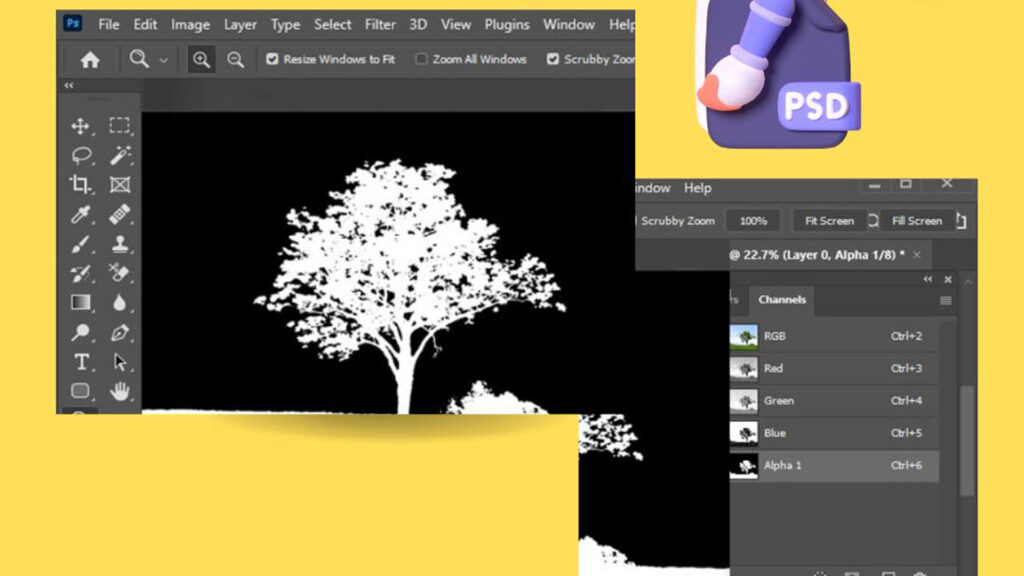
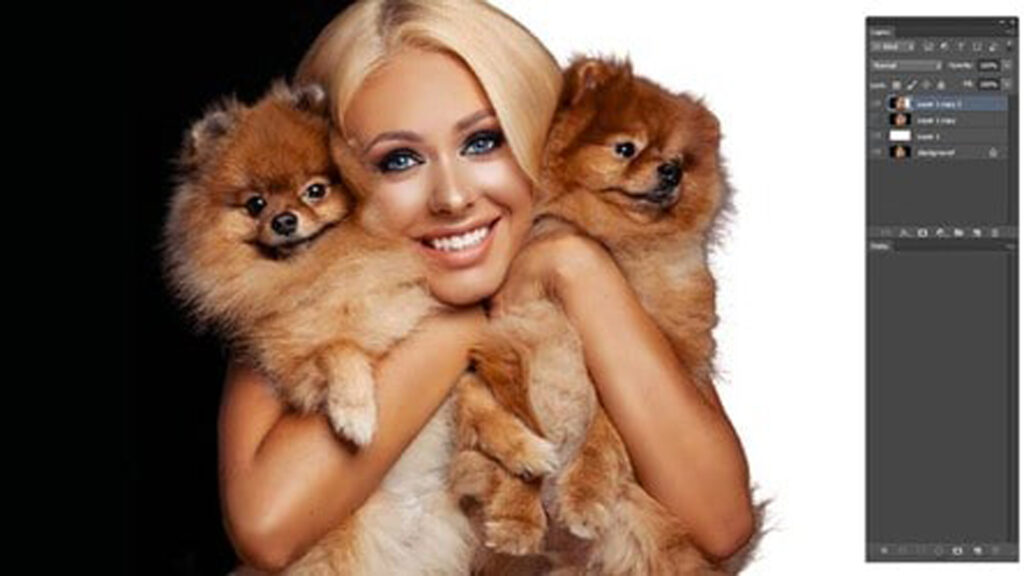
Channel Masking is an advanced image editing technique used in professional photo retouching to achieve highly precise selections, especially in complex areas like hair, fur, smoke, glass, or intricate textures. It works by using individual color channels—Red, Green, or Blue—from an image to create a detailed mask based on contrast differences. The channel with the strongest contrast is selected and refined to separate the subject from the background effectively. Once the best channel is chosen, it is duplicated and adjusted using levels or curves to enhance contrast. This helps define edges more clearly, allowing editors to isolate subjects with greater accuracy than traditional selection tools. The refined channel is then converted into a mask and applied to the image layer. Channel Masking is widely used in high-end retouching, fashion photography, and eCommerce product editing. It ensures clean cut-outs, natural edges, and professional-quality results where standard masking techniques may not be sufficient.
Alpha Channel Masking is a professional image editing technique used to store and control transparency information within an image. An alpha channel is an extra grayscale channel added to an image that defines which parts should be visible, partially visible, or completely transparent. White areas represent full opacity, black areas represent full transparency, and gray tones create smooth semi-transparent transitions. This method is widely used in advanced compositing, 3D rendering, and high-end photo editing where precise cut-outs are required. It allows editors to separate objects from backgrounds without losing detail, especially around complex edges like hair, glass, shadows, and soft gradients. Unlike basic masking, alpha channel data is saved directly within the image file formats such as PNG or PSD, making it easy to reuse in different projects. It is essential for creating clean product images, realistic composites, and professional visual effects while maintaining full control over transparency and edge quality.
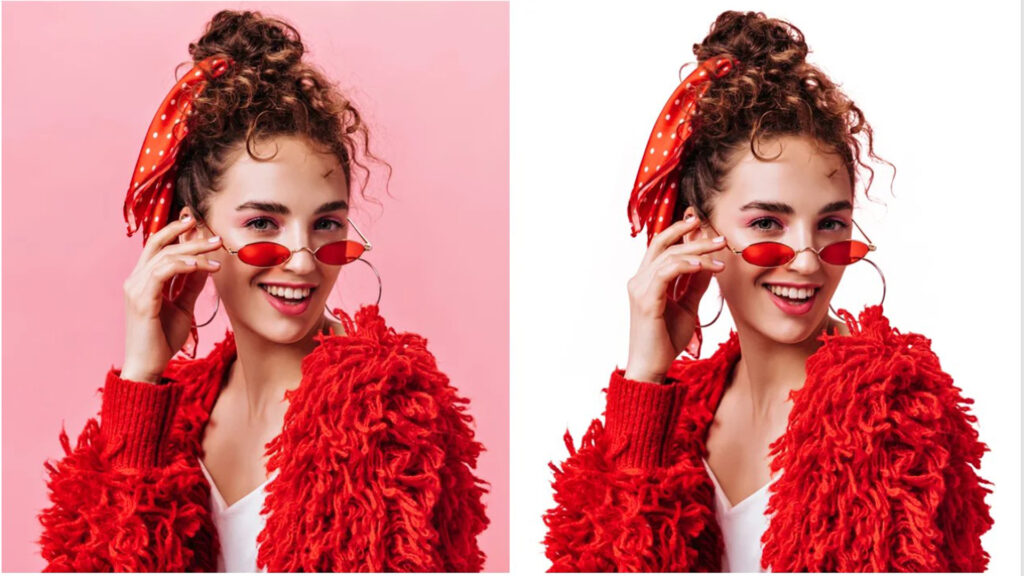
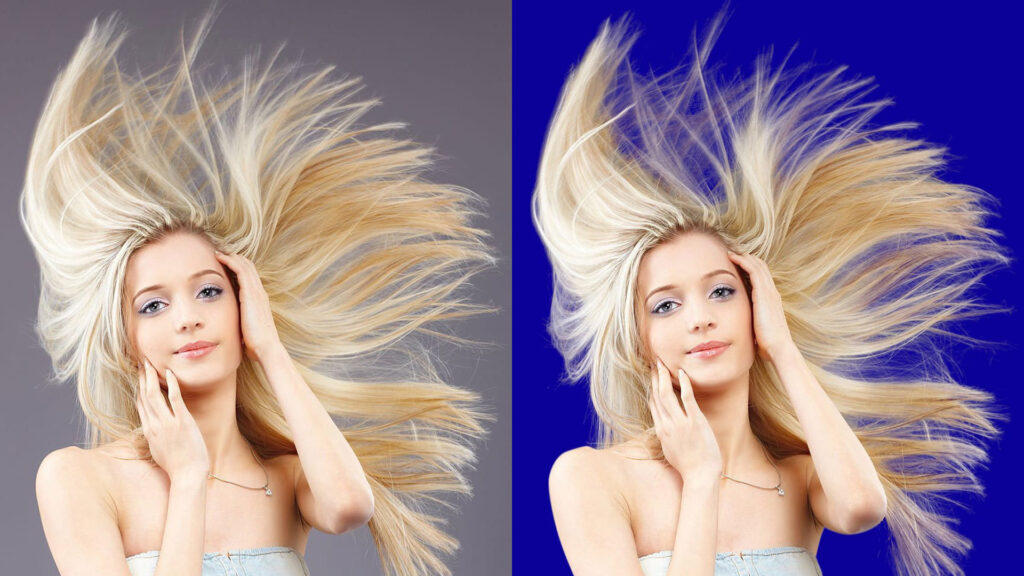
Refine Edge Masking is an advanced selection and masking technique used in professional photo editing to improve the accuracy of object edges after an initial cut-out. It is especially useful when working with complex subjects such as hair, fur, feathers, smoke, or semi-transparent materials where standard selection tools fail to produce clean results. This method allows editors to fine-tune edges by adjusting parameters like smoothness, feathering, contrast, and edge shifting. It helps remove unwanted background remnants while preserving fine details, ensuring the subject blends naturally into a new background. One of its key strengths is the ability to detect edge boundaries intelligently, separating soft or blurry transitions without losing realism. Refine Edge Masking is widely used in eCommerce product editing, portrait retouching, and advertising visuals where high precision is required. It delivers clean, natural-looking results and enhances overall image quality, making it an essential tool for professional-level background removal and compositing workflows.
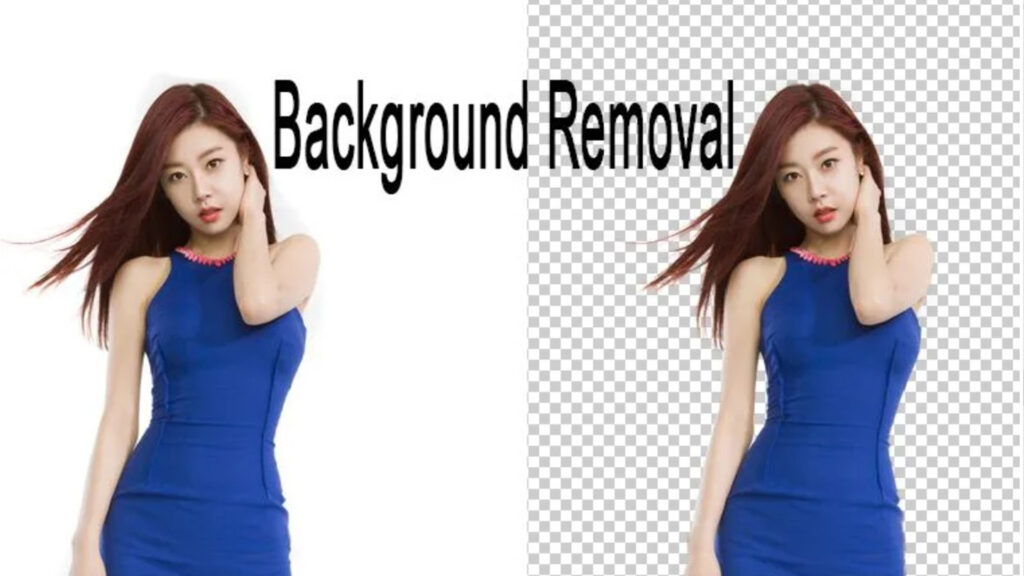
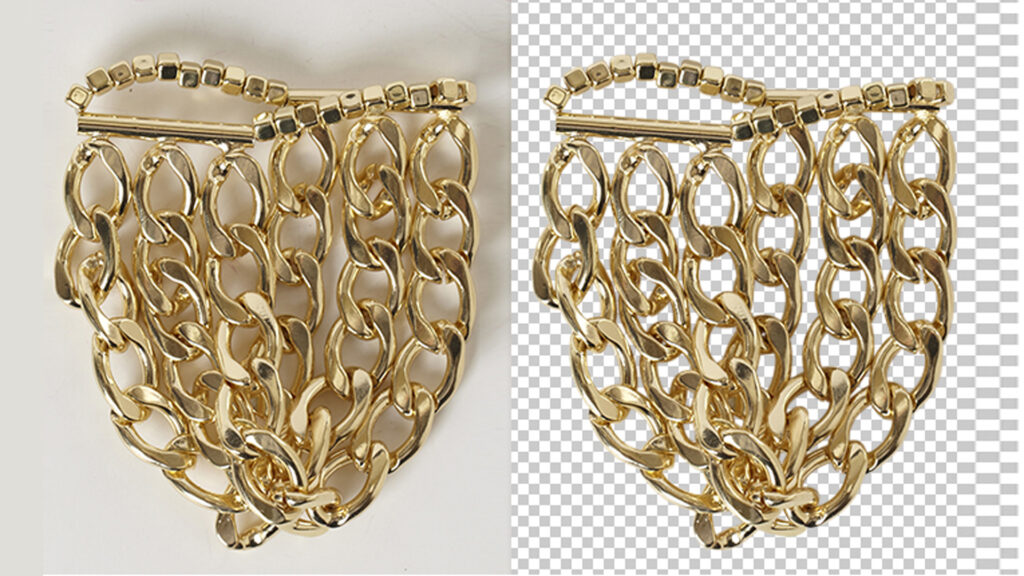
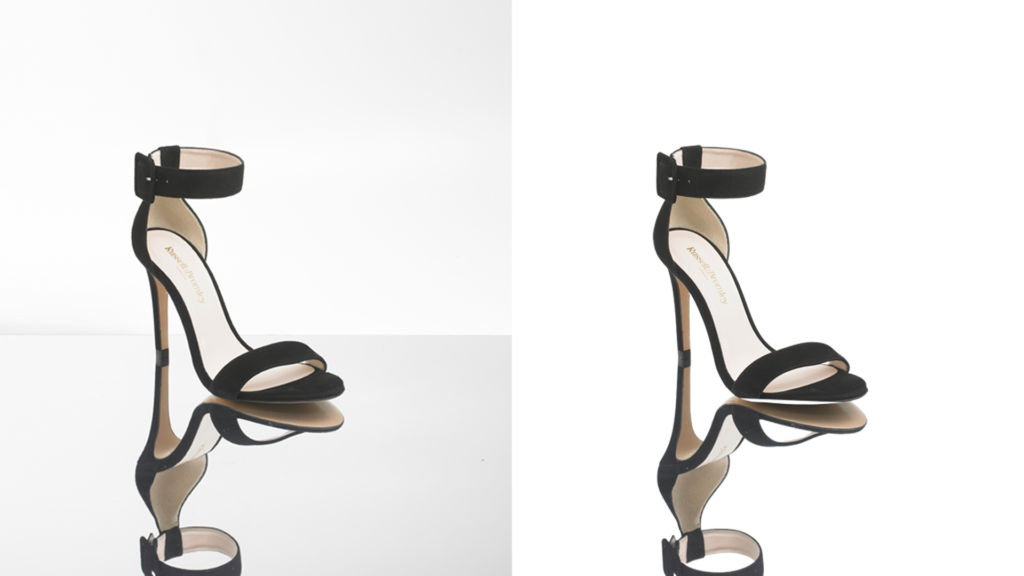
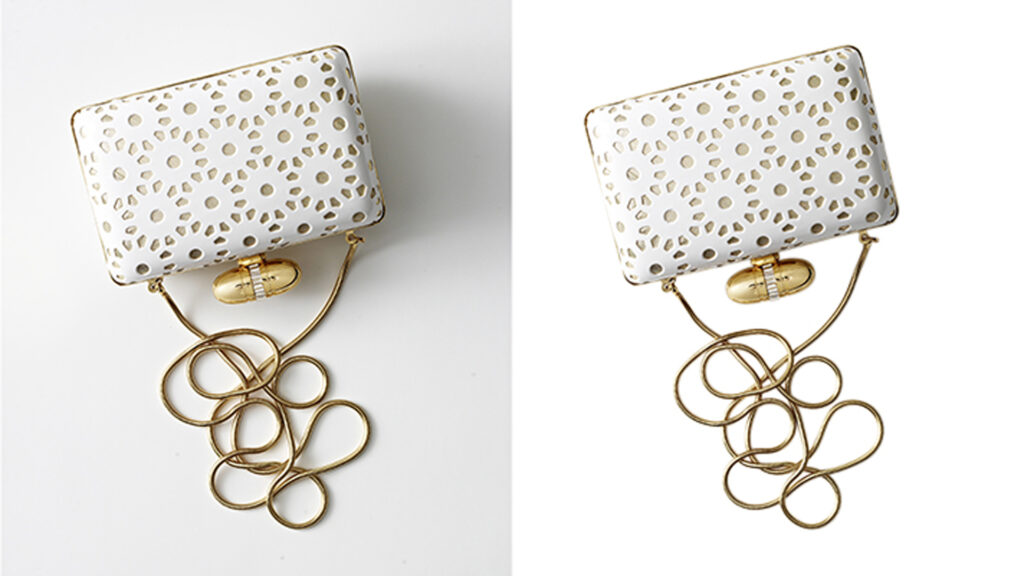
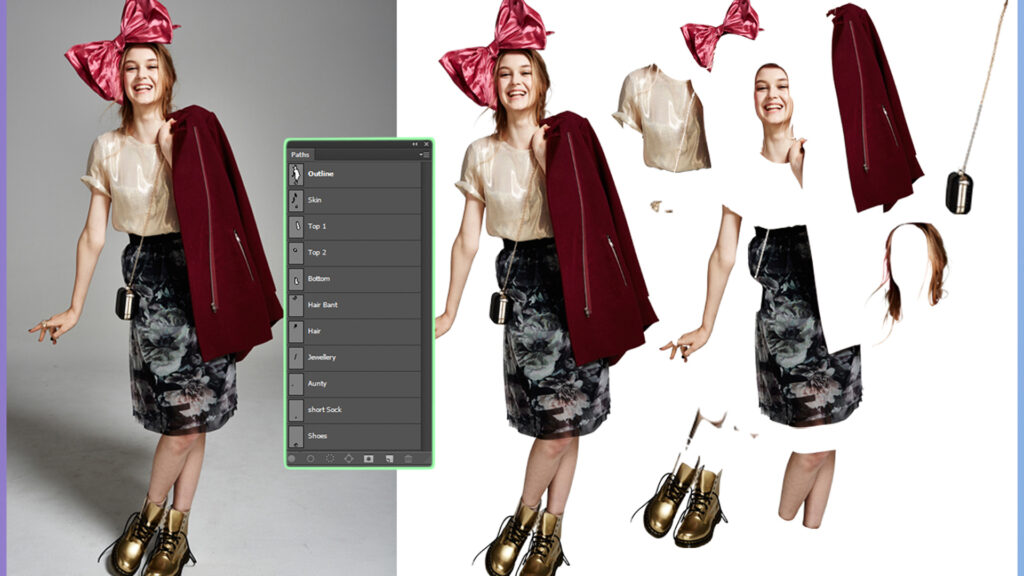
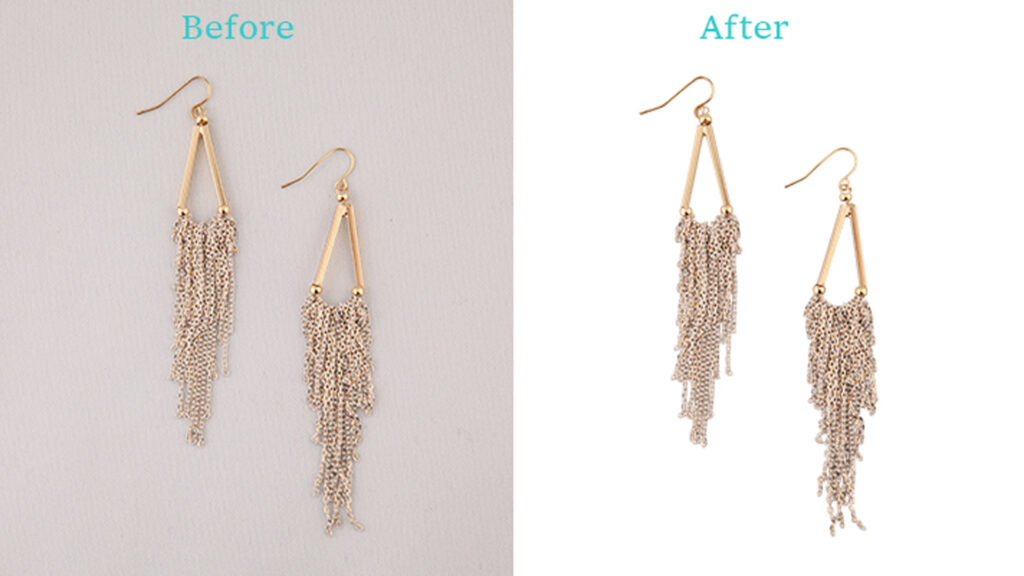
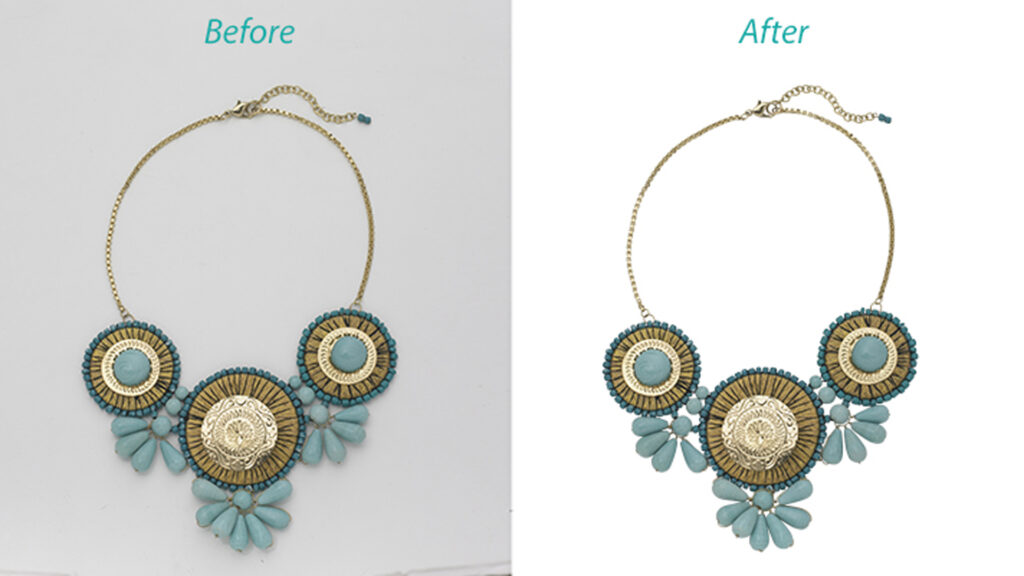
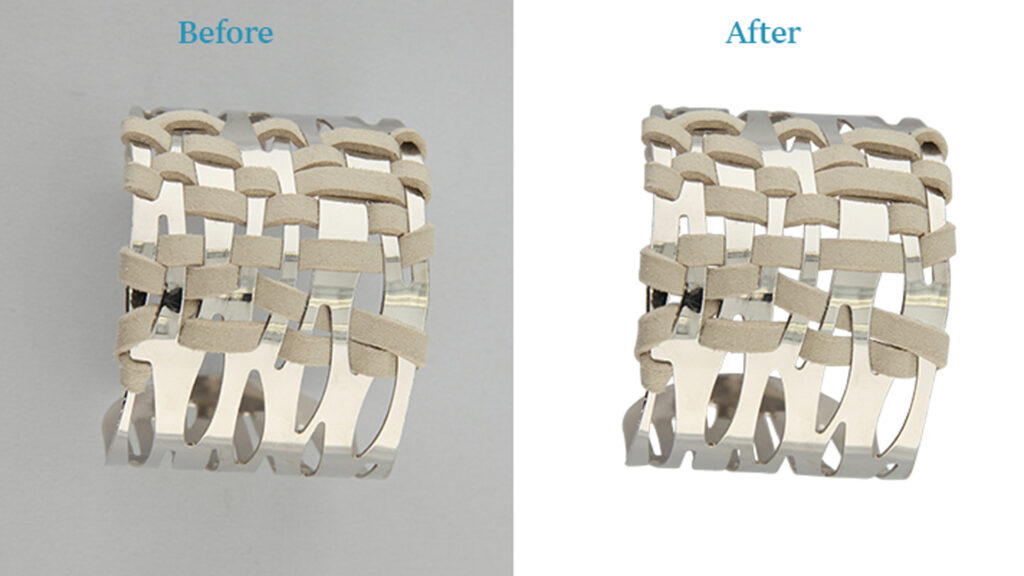
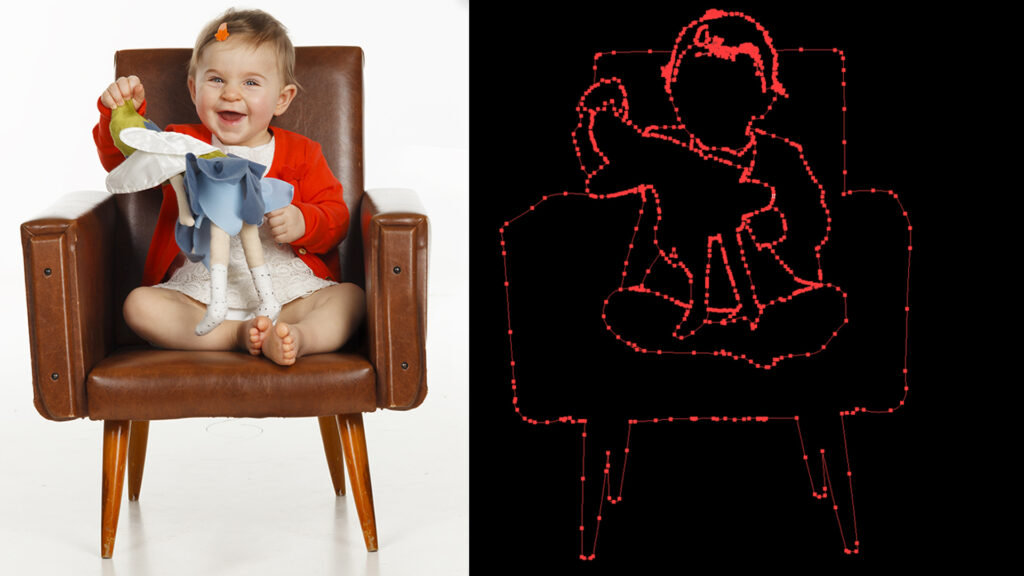
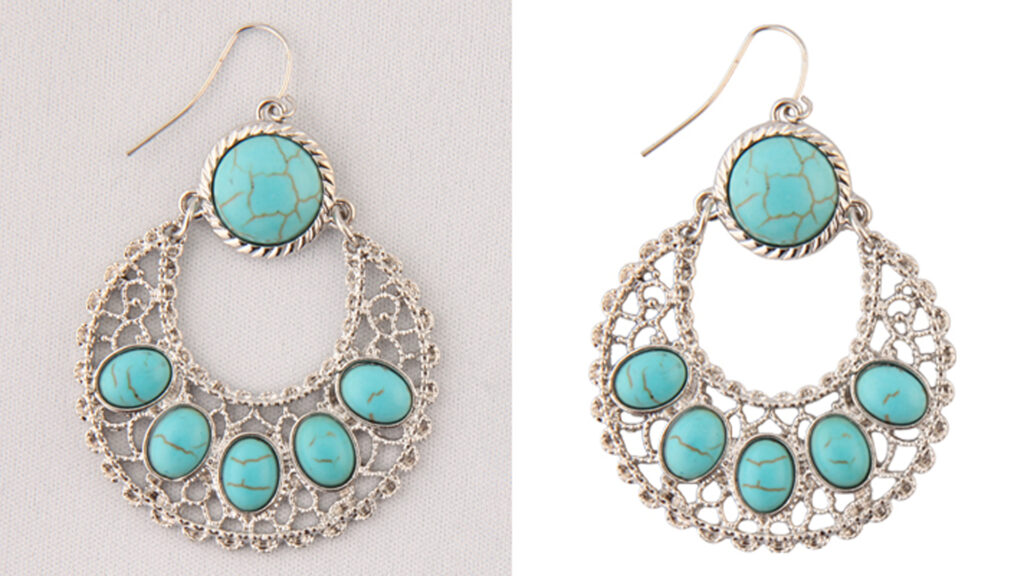
Explore our professional image masking and photo editing services. From precise clipping paths and background removal to photo retouching, color correction, and shadow creation, we help businesses achieve clean, consistent, and professional product images.
Create precise product cutouts with smooth, accurate edges for eCommerce photography, catalogs, and professional product images.
Explore Service →Remove unwanted backgrounds and create clean product images for online stores, marketplaces, websites, and product catalogs.
Explore Service →Enhance product photos by correcting imperfections, refining details, and achieving a polished, professional appearance.
Explore Service →Improve color accuracy, balance tones, and maintain consistent product colors across eCommerce images and marketing materials.
Explore Service →Refine complex product and commercial images with detailed retouching, careful adjustments, and professional finishing.
Explore Service →Add natural-looking drop shadows and reflection effects to enhance product depth, dimension, and visual presentation.
Explore Service →Visit Clipping Path Experts AU to explore our complete range of professional photo editing solutions.
Visit Our Main Website →Choose the right photo editing package for your needs. Professional quality at affordable prices.
Simple product images
Detailed product editing
Advanced image editing
Have a large order or special editing requirements? Contact us for a tailored pricing solution.
While we take pride in being a top-tier choice for professional clipping path services in Australia, delivering hand-drawn precision for local commercial studios, we understand that enterprise scale requires absolute flexibility. For Australian e-commerce retailers, Melbourne studio photographers, and digital agencies comparing offshore alternatives for high-volume image masking, bulk photo background removal services, or deep etching workflows, reviewing global market networks helps streamline your digital assets production.
Clipping Path Experts AU – Your premier hand-drawn image editing service delivering pixel-perfect clipping paths and premium e-commerce photo post-production across Australia and globally.
Disclaimer: Turnaround times (managing AEST/AEDT time zone gaps), bulk pricing plans, and the precision of automated tools versus manual clipping paths may vary across overseas graphic support vendors.
Everything about our Image Masking Service
Image Masking is an advanced photo editing technique used to remove or isolate complex backgrounds like hair, fur, smoke, or transparent objects while keeping natural edges and fine details intact.
It is used when background removal is difficult with clipping path, especially for hair, fur, glass, feathers, or semi-transparent objects.
We edit fashion photos, portraits, product images, jewelry, and complex objects that require high-end masking for clean and realistic results.
Standard delivery is 12–24 hours. We also provide express delivery for urgent projects with bulk image masking.
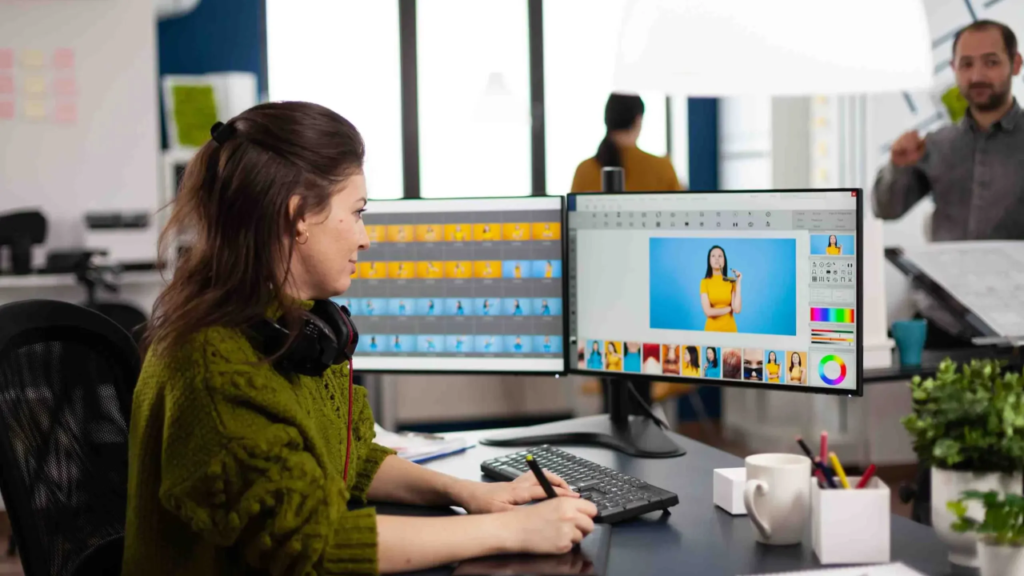
Clipping Path Experts AU likely refers to the Clipping Path Experts image editing service (sometimes also called Clipping Path Expert or Clipping Photo Expert).
info@clippingpathexpertsau.com
clippingpathexpertsau@gmail.com
+971 5 6916 1572
Sydney, New South Wales, 2000 Australia
Naif Computer Plaza, Apartment M04, Naif Street, Near Naif Police Station, Deira, Dubai, United Arab Emirates.
© Updated 2026 Clipping Path Experts AU.